
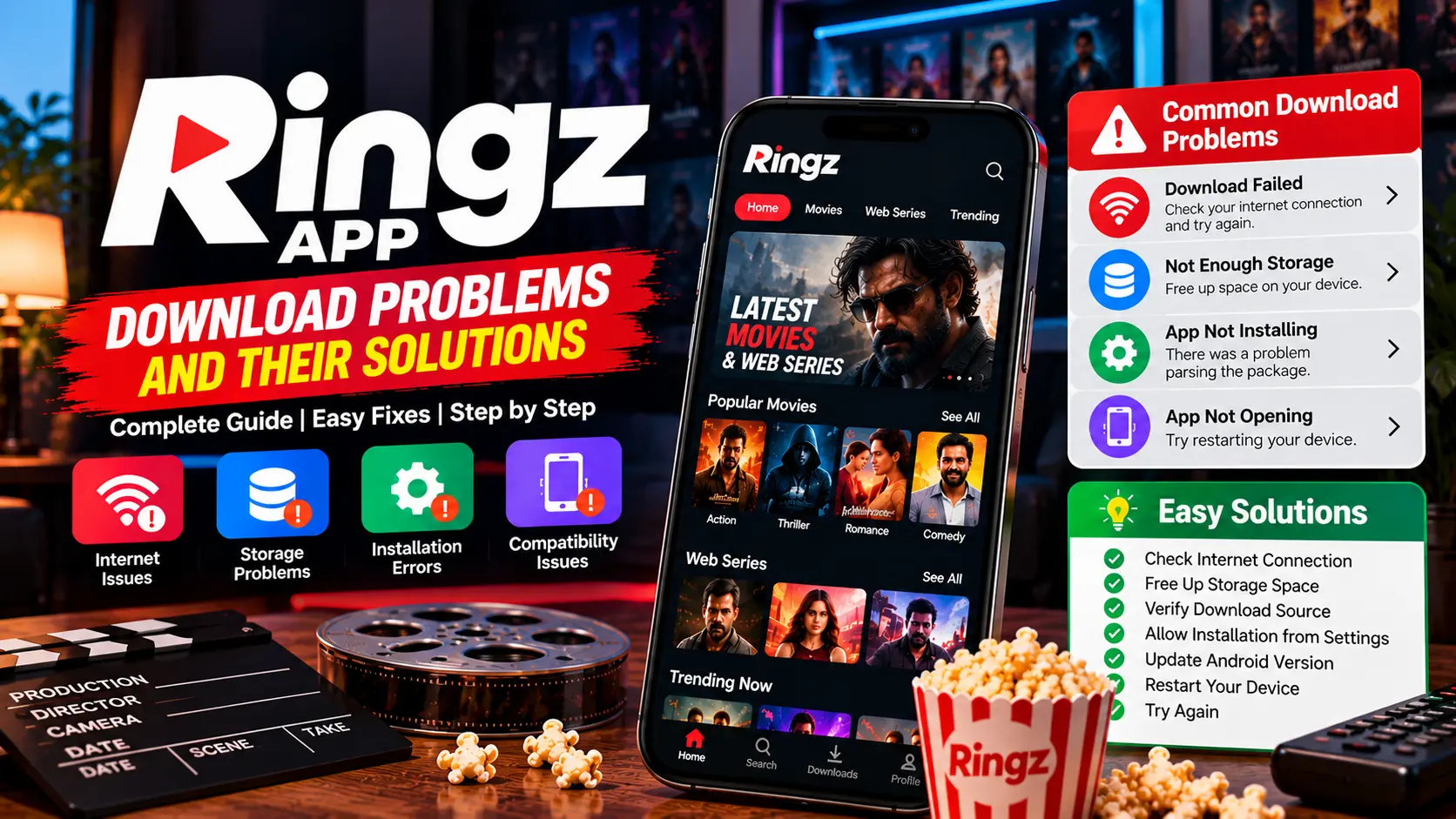
Ringz App Not Opening: Common Fixes
An application that refuses to open may be affected by a temporary system problem, an outdated version, insufficient storage, or device incompatibility. If Ringz does not open on your phone, follow these basic troubleshooting steps.
Restart Your Device
A restart can resolve temporary software problems. Close the application, restart your phone, and check whether the problem continues.
Check for Updates
If an official update is available, it may address bugs or compatibility problems. Use the original app store or the developer’s verified update process.
Do not install an unknown file just because it claims to fix the issue.
Check Available Storage
Low storage can affect application performance. Review your device’s storage and make space if necessary.
Avoid deleting app data unless you understand the consequences. Clearing data may remove saved preferences or locally stored information.
Check Compatibility
An app may stop working after an operating-system update if it has not been adapted to the newer version. Check the developer’s supported operating systems and device requirements.
If your device is unsupported, there may not be a reliable fix until the developer provides a compatible version.
Review Error Messages
If Android displays an error message, note its exact wording. This can help identify whether the issue relates to installation, permissions, connectivity, or compatibility.
Consult the developer’s support resources for product-specific solutions.
Reinstall Only When Appropriate
Reinstallation may help if an application is corrupted, but first check whether local data can be backed up. Uninstalling may remove stored information.
If you reinstall, use a verified source and confirm the application’s identity.
When to Contact Support
If the app continues to crash, contact the verified developer if support is available. Include your device model, Android version, the error message, and the steps that caused the problem. Never share passwords or other sensitive information in a support request.
Conclusion
Start with a restart, compatibility checks, available updates, and storage review when Ringz does not open. Use verified sources and avoid security workarounds that put your device at risk.